




Description
Green Fingers: Addictive Garden Puzzle Game
Is Green Fingers available for iPhone?
The game is designed exclusively for iPhone devices and is compatible with the latest supported iOS versions.
Is Green Fingers free to download and play?
Yes, Green Fingers is available as a free download from the App Store with no upfront cost.
Does Green Fingers require an internet connection?
The game can be played offline after installation. Online connectivity is only needed for achievements and score syncing.
What type of license does Green Fingers have?
Green Fingers is distributed under a free-to-download license with in-app options for additional content or features.
How often are updates released for Green Fingers?
Updates are released periodically to fix bugs and improve gameplay. The latest version, 1.4.5, was released on October 5, 2023.
Overview
Green Fingers is a casual puzzle game designed for iPhone users who enjoy lighthearted, engaging gameplay. The core premise revolves around cultivating flowers through a dynamic mix of matching, timing, and strategy. Players are tasked with filling pots with essential elements—earth, sun, water, and bees—by tapping and swapping pots to align the correct symbols. The game blends relaxing ambient music with a gradually increasing difficulty, creating a rhythm that hooks players from the start. It’s ideal for short gaming sessions, making it perfect for commuters, breaks, or downtime on a rainy afternoon.
The game’s appeal lies in its simple mechanics paired with escalating challenge. While the initial levels are gentle, the pace quickly intensifies as objects fall faster and more elements must be managed simultaneously. This transition from calm to chaotic is a deliberate design choice that keeps players engaged without overwhelming them too early. The Lite version offers five distinct levels, encouraging players to progress and test their reflexes and planning skills. Although the repetitive nature of matching elements may become noticeable over time, the game remains a solid choice for fans of arcade-style puzzle games.
Green Fingers targets casual gamers and mobile users seeking a mindless yet stimulating pastime. Its visual design, with vibrant colors and smooth animations, enhances the gardening theme. The game’s focus on rhythm and pattern recognition makes it accessible to a broad audience, including younger players and those new to puzzle games. Despite its simplicity, the game delivers a satisfying sense of progression through point accumulation, combo rewards, and leaderboard competition.
Key Features & Capabilities
- Tap-and-Swap Mechanics: Players tap a pot to select it, then tap a destination to swap positions. This intuitive control scheme ensures quick learning and smooth gameplay.
- Element Matching System: Each pot must be filled with the correct combination of earth, sun, water, and bees. Matching symbols correctly triggers flower growth and scores.
- Progressive Difficulty: The game starts slowly but increases in speed and complexity, challenging players to adapt their strategy over time.
- Combo and Bonus Scoring: Fast pot filling and consecutive matches unlock bonus points and multipliers, encouraging efficient play.
- Relaxing Audio Design: Ambient music and soft sound effects create a calming atmosphere, even during intense gameplay phases.
- Leaderboard Integration: Players can track their scores and compete with others, adding a competitive edge to the casual experience.
The gameplay is best experienced during short breaks or moments when focus is needed but time is limited. For example, a user waiting for a coffee order can play a few rounds to pass the time. Similarly, during a commute, the game’s rhythm provides a mental reset. The visual feedback when a flower blooms is satisfying and reinforces player success. While the game does not include advanced features like multiplayer or story modes, its focused design ensures a consistent and polished experience.
User Interface, Workflow & Performance
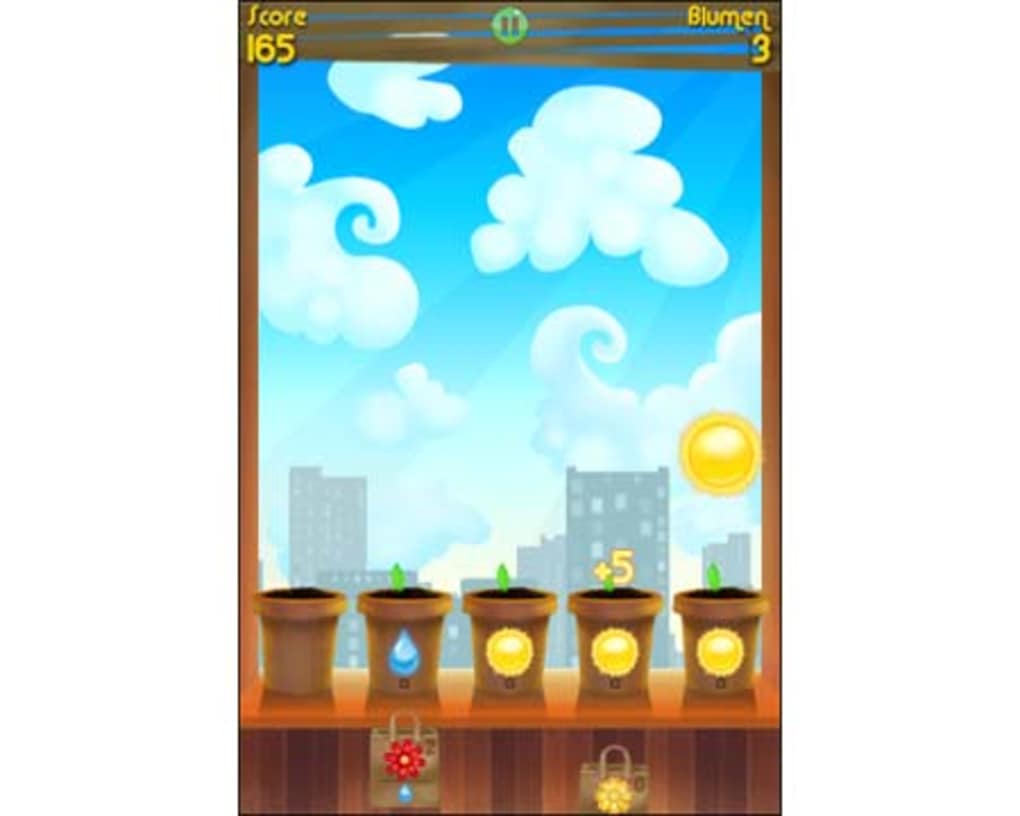
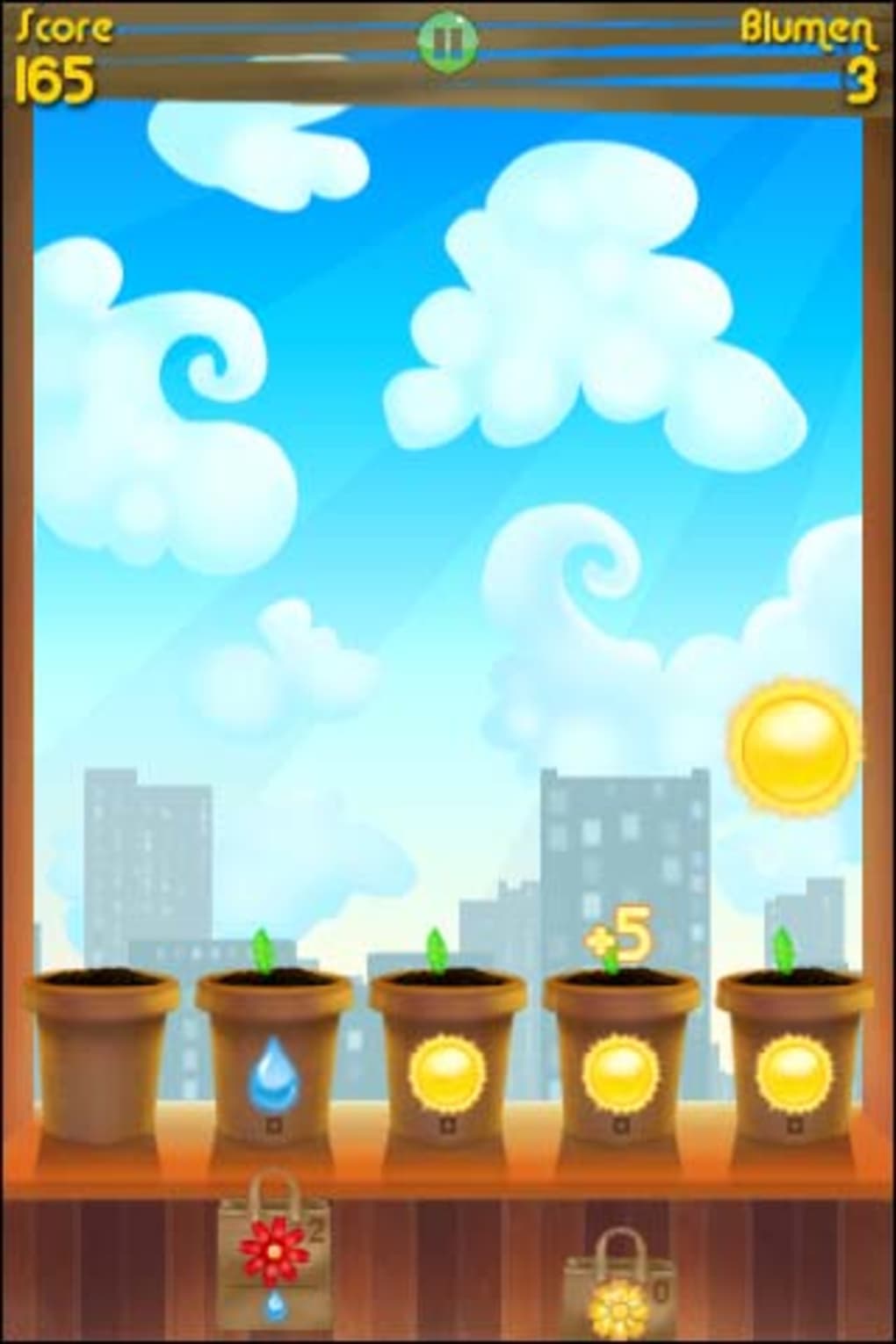
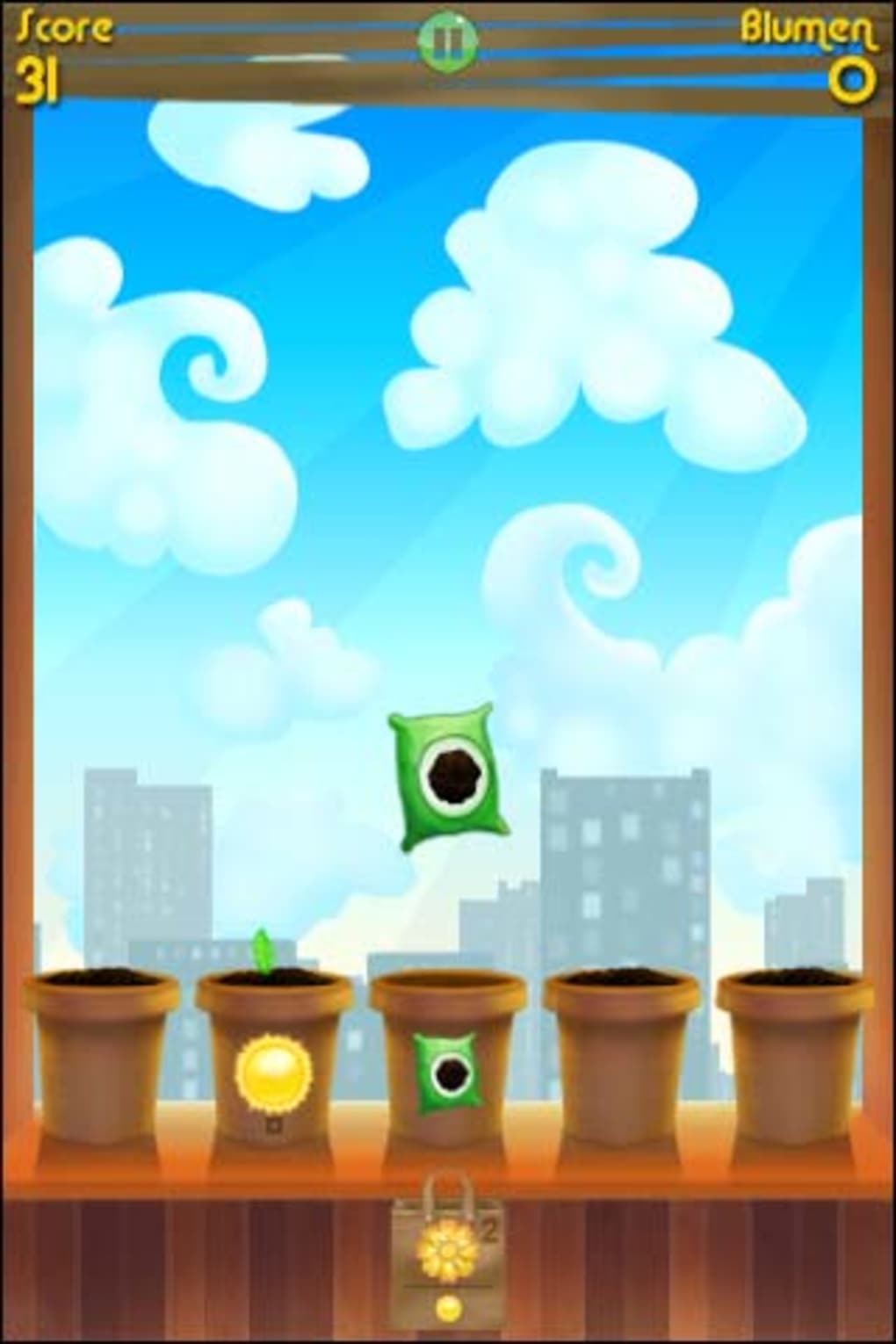
The user interface of Green Fingers is clean, minimal, and optimized for touch input. All essential game elements—pots, falling elements, score counter, and pause button—are clearly visible and positioned for easy access. Navigation is intuitive: tapping pots to swap, using the pause button to stop gameplay, and viewing the score at any time. The workflow follows a natural sequence: observe falling elements, plan swaps, execute, and watch the results.
Performance appears stable during gameplay, with smooth animations and responsive controls. The developer did not specify resource usage details, but based on the game’s size and design, it likely runs efficiently on modern iPhone models. No crashes or freezes were reported in the latest version, and the recent update addressed a bug related to achievement unlocking, indicating ongoing maintenance. The game maintains consistent frame rates across levels, ensuring a seamless experience even during high-speed phases.
Stability is a strong point, especially considering the game’s dynamic nature. The interface remains responsive even when multiple elements are falling rapidly. There are no visible lag spikes or UI glitches reported in the current release. Overall, the workflow is efficient and focused, with no unnecessary steps or distractions. The game’s design prioritizes speed and clarity, making it easy to jump in and play without setup delays.
Compatibility & System Requirements
Green Fingers is designed exclusively for iPhone devices and is compatible with the latest iOS versions. The game requires approximately 130.6 MB of storage space, which is typical for a mobile game of this scale. The developer did not provide additional system requirements, such as minimum RAM or CPU specifications. However, given its size and the fact that it runs smoothly on standard iPhone hardware, it is likely optimized for a wide range of current models.
Compatibility information is limited to the device type. No mention of iPad or Mac support was made. The game’s performance and visual quality are consistent across supported devices, suggesting effective optimization. The latest version, 1.4.5, was released on October 5, 2023, and includes a fix for a bug that prevented the 'Complete' achievement from unlocking. This update confirms that the developer continues to support the game post-launch.
Pros and Cons
Pros
- Simple, intuitive controls perfect for casual players
- Engaging gameplay that balances relaxation and challenge
- Smooth animations and responsive touch interface
- Free to download with no ads or in-app purchases mentioned
- Regular updates to fix bugs and improve user experience
Cons
- Repetitive gameplay may reduce long-term appeal
- Limited to five levels in the Lite version
- No multiplayer or social features included
- Exact system requirements not publicly listed
Final Thoughts + CTA
Green Fingers delivers a satisfying blend of simplicity and escalating challenge, making it a standout choice among casual iPhone puzzle games. Its relaxing soundtrack, vibrant visuals, and intuitive tap-and-swap mechanics create a calming yet engaging experience. While the repetitive nature of matching elements may not appeal to all, the game’s rhythm and progression system keep players invested for extended periods. It’s ideal for users seeking a quick, rewarding distraction without the need for deep commitment.
For fans of arcade-style puzzles and mobile gaming, Green Fingers offers a polished, free-to-play experience with steady updates and bug fixes. The game’s focus on flow and immediate feedback ensures a consistently enjoyable session. Whether you’re passing time on a break or unwinding after a long day, it provides a light but fulfilling mental workout.
Download Green Fingers now
Guides & Tutorials for Green Fingers
How to install Green Fingers
- Click the Preview / Download button above.
- Once redirected, accept the terms and click Install.
- Wait for the Green Fingers download to finish on your device.
How to use Green Fingers
This software is primarily used for its core features described above. Open the app after installation to explore its capabilities.
User Reviews for Green Fingers 0
No reviews found





